
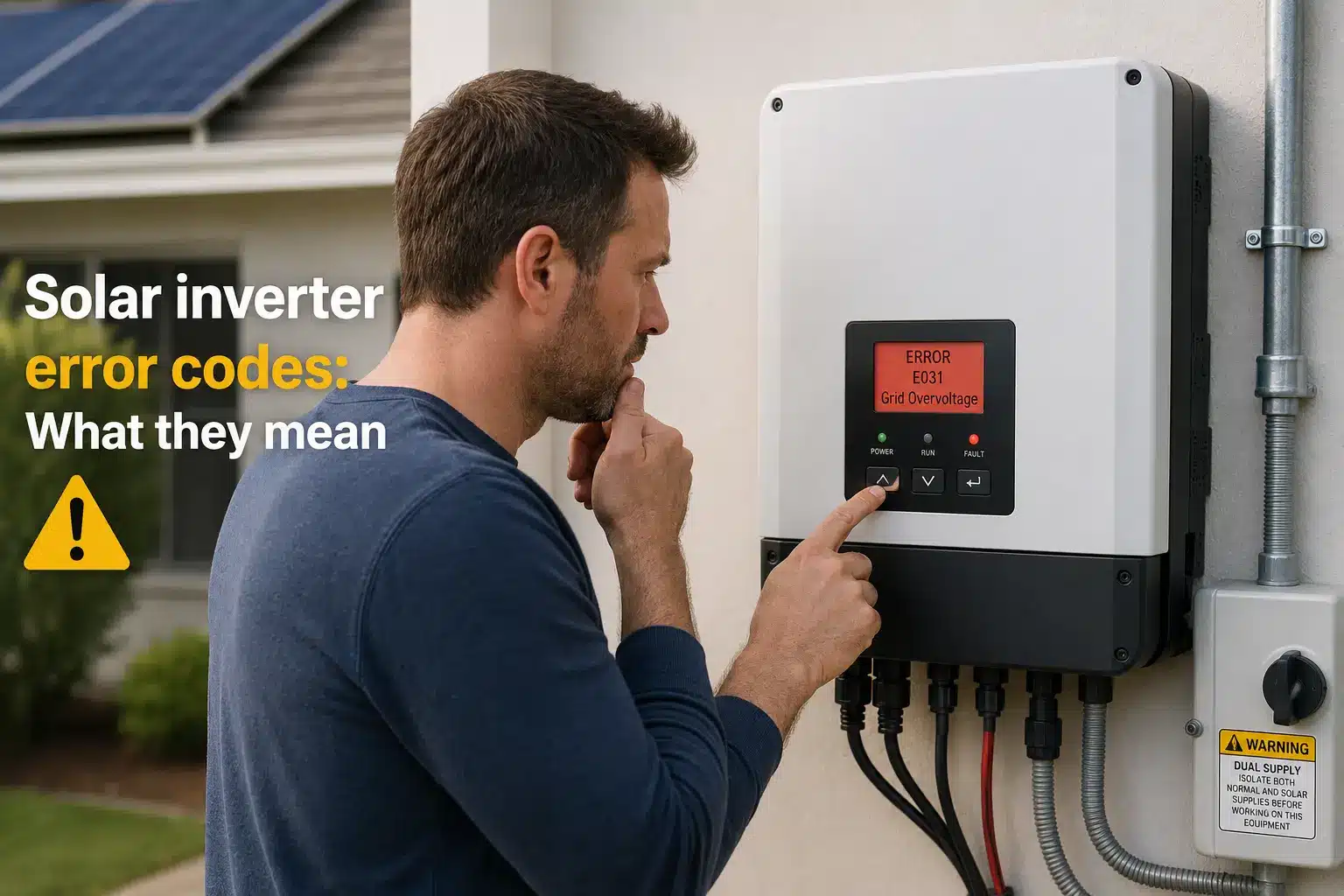
Solar inverter error codes have a way of showing up on the worst possible day — and making you feel like your entire solar system is failing. The good news: most error codes are minor, self-resolving, and do not require a service call. Here’s how to read what your inverter is actually telling you.
Why your inverter shows error codes in the first place
Your solar inverter is the brain of your system. It converts the DC electricity your panels produce into the AC electricity your home uses, and it monitors everything happening on both sides of that conversion — the solar side and the grid side. When something falls outside the parameters it’s designed to operate within, it stops converting power and throws a fault code.
That last part is important: your inverter stopping is often the safety feature working correctly. Inverters are required by electrical code to disconnect from the grid if voltage, frequency, or other conditions drift out of acceptable ranges. A fault code doesn’t necessarily mean something is damaged — it often means the inverter detected a condition outside its normal operating window and shut down to wait it out.
To understand how your solar panels and inverter work together, it helps to know there are two main inverter types: string inverters (one central unit for the whole system) and microinverters (one small unit per panel). The error codes you’ll see differ slightly between these designs, but the categories of faults are the same across the industry.
Before you call your installer or manufacturer, take 60 seconds to understand which category of error you’re looking at. That context will help you know whether to wait, reboot, or escalate.
The four main categories of inverter fault codes
Across all the major brands — SolarEdge, Enphase, SMA, Fronius, and others — inverter error codes fall into four broad categories. Understanding the category tells you most of what you need to know about urgency and next steps.
1. Grid faults
Grid faults occur when the utility grid voltage or frequency goes outside the range your inverter is configured to accept. This is extremely common during storms, heat waves, or any event that stresses the local grid. Your inverter disconnects automatically — again, this is it doing its job. Most grid faults self-resolve within minutes once grid conditions stabilize. You may see codes like Grid Voltage Too High, Grid Frequency Out of Range, or Grid Unstable depending on your brand.
2. Isolation (ground) faults
An isolation fault — sometimes called a ground fault — means the inverter has detected unexpected electrical continuity between the DC circuit (your panels and wiring) and ground. This is a serious safety signal. Isolation faults do not self-resolve. They can indicate damaged wiring, a failed panel junction box, or water intrusion. Do not ignore a persistent isolation fault: stop production and contact your installer or a qualified solar technician.
3. Communication errors
Communication errors mean your inverter has lost contact with its monitoring platform — or in a microinverter system, individual units have stopped reporting to the gateway. These rarely affect power production. If your panels are still generating energy, a communication error is usually a Wi-Fi, Ethernet, or cellular connectivity issue, not a hardware failure. Check your router first.
4. DC arc faults
A DC arc fault detection event means the inverter’s internal arc-fault circuit interrupter (AFCI) detected a pattern consistent with arcing in the DC wiring. This is a fire-safety protection feature required in modern inverters. DC arc faults can be triggered by loose connectors, damaged cable insulation, or rodent damage to wiring. Like isolation faults, these should not be cleared and ignored — they warrant inspection by a qualified technician.
Common inverter error codes by brand
The table below covers the most frequently reported error codes across the four major residential inverter brands. This is not an exhaustive list — each manufacturer publishes full error code documentation in their installer portals and support sites. Use this as a starting-point reference, not a diagnosis.
| Brand | Error Code / Name | Category | Typical Cause | Self-Resolving? |
|---|---|---|---|---|
| SolarEdge | Grid Voltage Too High (VHigh) | Grid fault | Utility voltage spike | Usually yes |
| SolarEdge | Isolation Fault | Ground fault | DC wiring or panel issue | No — inspect |
| SolarEdge | Arc Fault Detected | DC arc fault | Loose or damaged DC connector | No — inspect |
| Enphase | AC Frequency Out of Range | Grid fault | Grid instability | Usually yes |
| Enphase | Microinverter Not Reporting | Communication | Wi-Fi/gateway issue or unit failure | Sometimes |
| Enphase | Ground Fault Detected | Ground fault | Wiring fault or water intrusion | No — inspect |
| SMA | Insulation Resistance Too Low | Ground fault | Wet or damaged wiring | No — inspect |
| SMA | Grid Connection Fault | Grid fault | Utility outage or overvoltage | Usually yes |
| Fronius | State 306 – AC Voltage Too High | Grid fault | Utility overvoltage | Usually yes |
| Fronius | State 240 – Ground Fault | Ground fault | DC circuit grounding issue | No — inspect |
For SolarEdge systems, the manufacturer’s SolarEdge support portal provides detailed error code definitions searchable by code number. Enphase owners can find microinverter-specific codes inside the Enlighten monitoring platform under each device’s event history.
How to respond when you see an error code
Before you do anything, write down the exact code or take a photo of the display. If you have monitoring software (Enphase Enlighten, SolarEdge mySolarEdge, SMA Sunny Portal, Fronius Solar.web), log in and check the event history — this will tell you how long the fault has been active and whether it’s recurring.
- Identify the category. Use the four categories above to determine whether this is likely a grid event, a communication glitch, or a safety fault requiring inspection.
- Wait 15–30 minutes for grid faults. If the code appeared during a storm or on a hot afternoon, your inverter may reconnect automatically once grid conditions normalize. Many homeowners call their installer for a fault that has already cleared by the time anyone picks up the phone.
- Check your Wi-Fi or gateway for communication errors. Restart your router and the inverter’s communication gateway before assuming the inverter itself has failed. Communication errors are frequently a home network issue.
- Do not manually clear isolation or arc fault codes without understanding why they triggered. Clearing the fault allows the inverter to restart, but if the underlying problem is still there, it will fault again — and you’ve now lost the event log data that would help a technician diagnose it.
- Contact your installer or manufacturer support if the fault is persistent, if it’s an isolation or arc fault, or if production has been down for more than a day. If your installer is no longer in business, see our guide on what to do when your solar installer goes out of business.
A note on inverter warranties and repair costs
Most residential inverters carry a standard 10-year manufacturer warranty, and many manufacturers offer extended warranties to 20 or 25 years for an additional fee. If your inverter is faulting due to a hardware failure and the unit is within its warranty period, the repair or replacement cost may be covered — but only if the failure isn’t caused by external damage like a lightning strike, rodent damage to wiring, or improper installation.
String inverters (SolarEdge, SMA, Fronius, and others) are single points of failure — if the unit fails, your whole system goes down until it’s replaced. Enphase microinverter systems are more resilient because each panel has its own inverter: a single unit failure reduces production slightly, but the rest of the system keeps working.
When evaluating your options after an inverter fault, it’s worth checking whether your system is covered under your homeowner’s insurance policy for equipment failures or power surge damage. Some policies cover solar equipment; many do not without a rider.
If your inverter is older and out of warranty, this may also be a good moment to evaluate whether the technology has become outdated. Take a look at our guide to outdated solar technology to understand when repair versus replacement makes more sense for older systems.
When to call a technician versus when to wait
This is the most practical question homeowners have, and the answer comes down to the fault category:
- Grid faults: Wait up to 24 hours. If the inverter hasn’t reconnected on its own after grid conditions normalize, then call.
- Communication errors: Troubleshoot your home network first. If the inverter’s physical display shows normal operation but monitoring is offline, production is likely unaffected. Call manufacturer support if you can’t restore communication within a few days.
- Isolation faults: Call promptly. Do not attempt to clear and restart without a qualified inspection. These faults can indicate shock or fire hazards.
- DC arc faults: Call promptly. Same rationale as isolation faults — this is a safety-driven shutdown.
If you’re unsure which category your fault falls into, or if you can’t find your specific code in the manufacturer’s documentation, a qualified local solar technician is your fastest path to a clear answer. You can find a solar installer or service technician near you through EnergyScout’s directory. Look for companies that specifically list solar system service and maintenance — not all installation companies offer post-install support for systems they didn’t install.
According to NREL’s solar reliability research, inverter-related issues are the leading cause of solar system downtime, which is why understanding fault codes — even at a basic level — is one of the most practical things a solar homeowner can do.
Frequently Asked Questions
Final Thoughts
Seeing an error code or a red light on your inverter is unsettling — especially if you’ve never seen it before and you’re not sure whether it means a minor hiccup or a serious problem. The most important thing to remember is that your inverter is designed to fault. It stops production intentionally when conditions fall outside safe operating parameters, and most of the time, it restarts on its own once those conditions resolve.
What separates a confident solar homeowner from a panicked one is knowing which category of fault you’re dealing with. Grid faults: be patient. Communication errors: check your network. Isolation faults and arc faults: act promptly and don’t try to clear them without an inspection. Keep a record of your fault events in your monitoring app — that data is invaluable if you ever need a technician to diagnose a recurring problem.
This article is the first in a series of brand-specific error code guides EnergyScout is building out for SolarEdge, Enphase, SMA, and Fronius systems. If your system needs service and you’re not sure where to start, our installer directory can help you find a qualified technician in your area — someone who knows your brand and can get your system back online without unnecessary guesswork.