
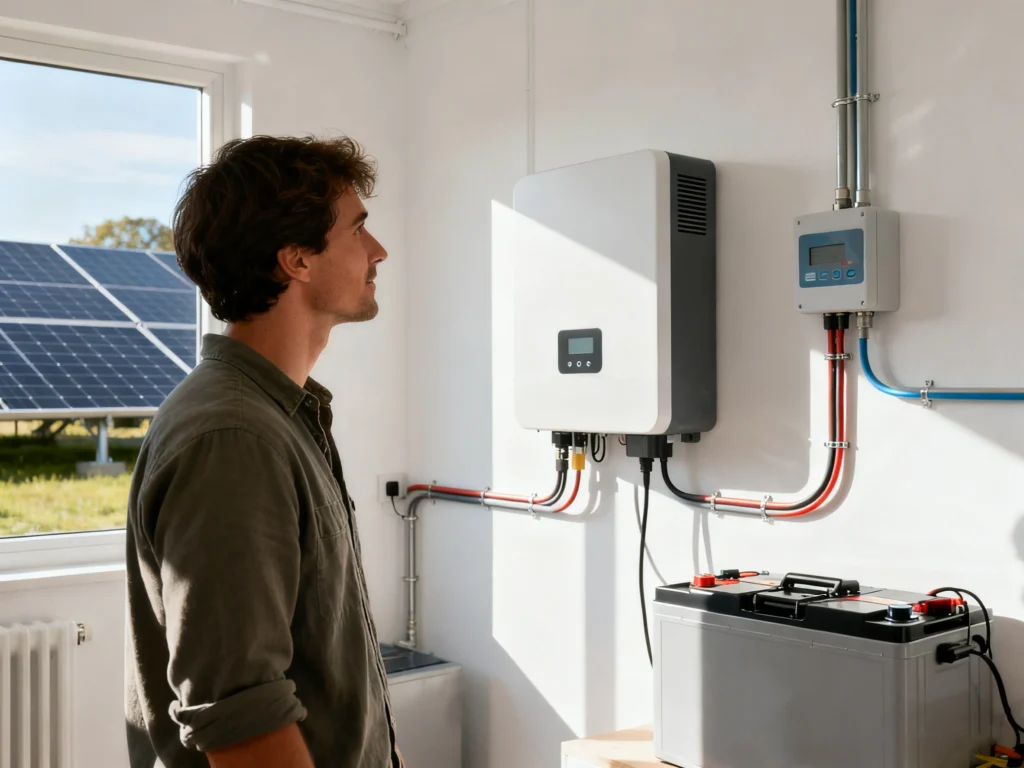
Not Sure If Your Solar System Is Producing? Start Here
If you’re not sure whether your solar system is actually producing electricity, you’re not alone.
This is especially common if:
- You bought a home that already had solar
- Your installer is no longer in business
- You haven’t checked your system in a while
- Your electric bills don’t look the way you expected
Some systems are working fine. Others aren’t producing at all — or are producing far less than they should. This guide will help you figure out which situation you’re in and what to do next.
Step 0: What “producing” actually means
Before jumping into diagnostics, it helps to clarify one thing:
- Producing = your solar panels are generating electricity
- Offsetting your bill = depends on production and your home’s usage, utility rates, and season
It’s possible for your system to be producing while your bill is still high — especially in winter, during heat waves, or after lifestyle changes. This article focuses on whether your system is working at all.
Step 1: Do you have a solar monitoring app?
Most grid-tied solar systems include monitoring software that shows production in near real time.
Common monitoring platforms
Check your phone, email, or paperwork for one of these:
- Enphase Enlighten
- SolarEdge Monitoring
- Tesla App
- SunPower Monitoring
- SMA / Sunny Portal
If you bought the home with solar, the previous owner may still have access. In that case:
- Search your email for the installer name or platform
- Look for a sticker on your inverter (often lists the manufacturer)
- Check the main electrical panel or garage wall for equipment branding
If you find a monitoring app, log in and look for:
- Today’s production
- Production over the last 7–30 days
- Any alerts, warnings, or “system offline” messages
Red flags:
- Production stuck at zero
- No data for days or weeks
- Error or fault notifications
If you don’t have access to monitoring, continue to Step 2.
Step 2: Check your email inbox (this one is easy to miss)
Many homeowners overlook this step — but it’s surprisingly important.
Solar equipment manufacturers and monitoring providers often send emails about:
- System alerts or errors
- Monitoring outages
- Company transitions or service changes
- New apps or account migrations
For example, when SunPower filed for Chapter 11, operations and maintenance for many systems were transferred to SunStrong. Homeowners received multiple emails explaining what would change — but if those emails were ignored, the first sign of a problem was often the SunPower app suddenly stopping.
What to search for in your email:
- “solar”
- “inverter”
- “monitoring”
- “Enphase”
- “SolarEdge”
- “SunPower”
- “Tesla Energy”
If your monitoring app stopped working unexpectedly, there’s a good chance the explanation is sitting in your inbox.
Step 3: Check the inverter (this is the heart of the system)
Your inverter converts solar power into usable electricity. If it’s not working, your system isn’t producing.
Where to look
- Garage
- Exterior wall near the electric meter
- Utility room or basement
What to check
Look at the inverter display or indicator lights:
- Green light / “Normal” status → usually good
- Red light / Error / Fault message → problem likely
- Blank screen → system may be powered off
Many inverters also display:
- Current power (kW)
- Daily energy (kWh)
If it’s sunny and those numbers are zero, that’s a strong signal something is wrong.
Step 4: Check your breakers and disconnects
Solar systems have multiple shutoff points, and one being off can stop production entirely.
Check these locations:
- Main electrical panel (solar breaker)
- Sub-panel (if present)
- External solar disconnect near the meter
- AC disconnect next to the inverter
Make sure:
- Breakers are fully in the ON position (not tripped halfway)
- Disconnects are set to ON
If a breaker immediately trips again, stop and do not force it — that usually indicates a real fault.
Step 5: Look for obvious physical issues
A quick visual inspection can reveal a lot.
Check for:
- Fallen branches or heavy debris on panels
- Visible damage to panels or wiring
- Construction work that may have disturbed conduit
- Snow coverage
You do not need to get on the roof. Ground-level visibility is enough for this step.
Step 6: Compare production to expectations (if data exists)
If your system is producing, the question becomes: is it producing enough?
Common reasons production drops:
- Seasonal changes (winter vs summer)
- New shade from trees or buildings
- Panel degradation over time
- Failed microinverter or optimizer (system still produces, but less)
This is why monitoring matters — partial failures are easy to miss without it.
Common reasons systems stop producing
Some of the most common causes include:
- Inverter failure (especially after 10–15 years)
- Tripped or failed breakers
- Monitoring disconnected from the internet
- Installer went out of business and alerts went unnoticed
- Utility shutoff after electrical work
- Failed microinverters on part of the system
None of these are rare — and most are fixable.
When this is likely a real problem
You should plan to get help if:
- Production has been zero for more than a day or two during sunny weather
- Your inverter shows a persistent fault or error
- Monitoring hasn’t updated in weeks or months
- Your installer is no longer reachable
- Your utility bills suddenly increased without explanation
What to do next
At this point, you usually have three paths:
- Contact your original installer (if they’re still operating)
- Contact the inverter or equipment manufacturer
- Work with a qualified local solar service provider
If your installer went out of business, you’re not alone — and this is usually solvable. We’ll walk through that scenario step by step in a separate article.
Bottom line
Many homeowners discover solar issues months or years after installation. That doesn’t mean solar “doesn’t work” — it usually means no one has been watching the system.
A little diagnostics goes a long way.