
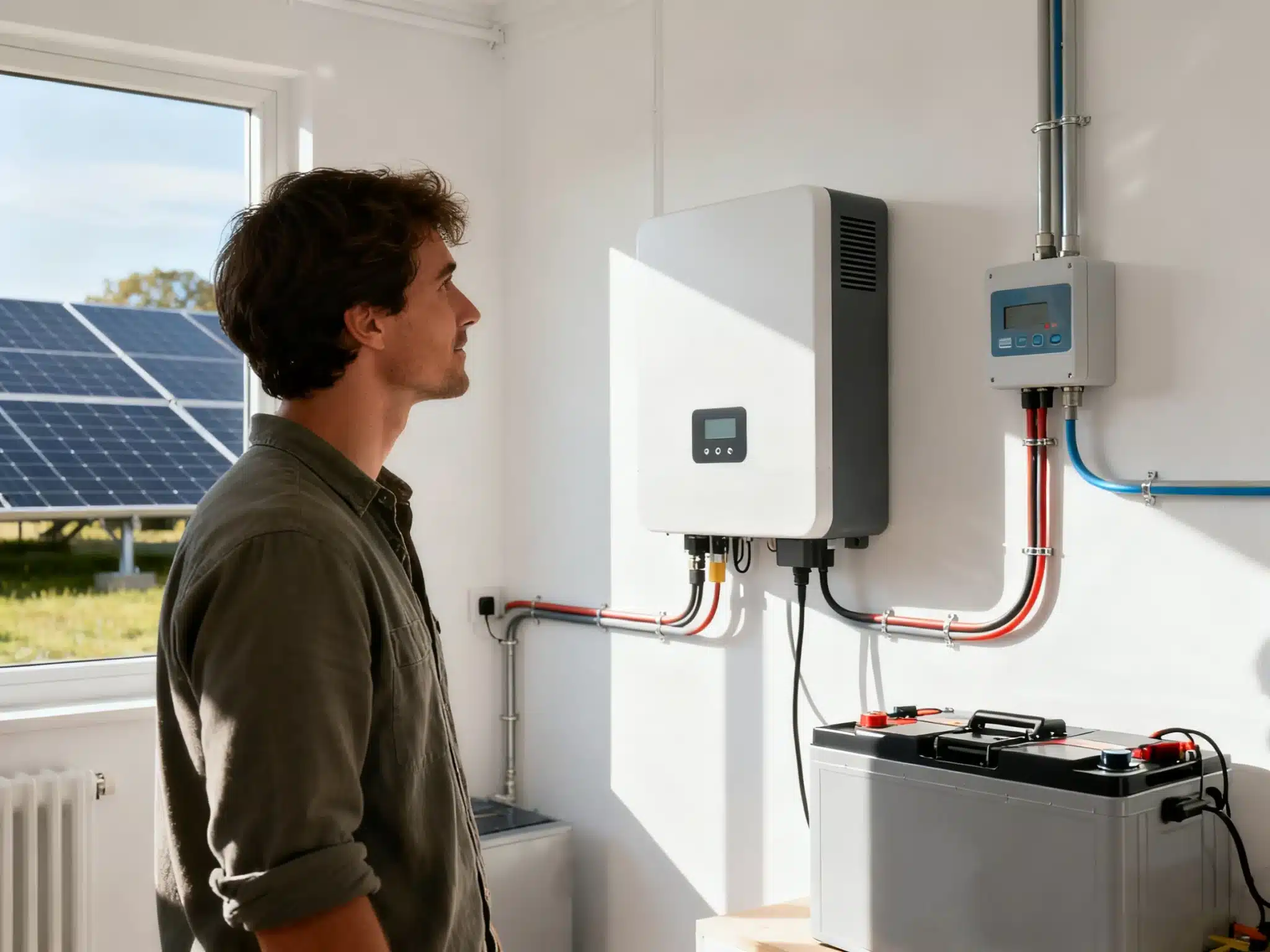
Most solar systems don’t fail dramatically. They quietly stop producing — and homeowners don’t notice until electric bills start climbing.
If you’re wondering, “Is my home solar system producing power right now?” you’re not alone. This is especially common if:
- You bought a home with solar already installed
- Your installer went out of business
- You haven’t checked your system in years
- Your electric bill suddenly looks higher than expected
This guide walks you step-by-step through how to tell if your solar panels are working — without getting on your roof or calling a technician (yet).
What “Producing Power” Actually Means
Before troubleshooting, clarify the question.
Producing power = your solar panels are actively generating electricity (measured in kW).
Lowering your bill = depends on production, how much power your home uses, your utility rate, time of year, and billing structure.
It’s possible for your system to be producing power while your bill remains high — especially:
-
During winter months
-
During heavy AC usage in summer
-
After adding an EV
-
After utility rate increases
This article focuses on one question:
Is your home solar system producing power at all?
If the answer is yes but your bill is still high, that’s a different issue — and we address that in the FAQ below.
Step 1: Check Your Solar Monitoring App
If your system includes monitoring (most do), this is the fastest way to confirm whether your home solar system is producing power.
Common Monitoring Platforms
-
Enphase Energy → Enlighten
-
SolarEdge Technologies → SolarEdge Monitoring
-
Tesla → Tesla App
-
SunPower → mySunPower
-
SMA Solar Technology → Sunny Portal
If you bought your home with solar and aren’t sure which brand you have, check the label on the inverter box. It’s usually in your garage, on an exterior wall near the meter, or in a utility room.
The brand name will tell you which monitoring app to use.
What to Look For
-
Real-time production (kW reading during daylight)
-
Daily production graph
-
Recent 7–30 day activity
-
Error alerts or “system offline” messages
Red Flags
-
Production stuck at zero during sunny days
-
No data for multiple days
-
“Inverter offline” errors
-
Repeated fault notifications
Can’t access the app?
Search your inbox (and spam folder) for “solar,” “monitoring,” “inverter,” or your inverter brand. Manufacturers often send alerts about system faults, platform migrations, and monitoring changes.
Many homeowners assume their solar system stopped producing when only the monitoring platform changed. A quick email search can clarify that fast.
Step 2: Check the Inverter Directly
Your inverter is the heart of your system. If it’s not operating, your solar system is not producing power — regardless of what the panels are doing.
Where It’s Located
-
Garage wall
-
Exterior wall near meter
-
Utility room
-
Basement
Not sure which brand you have? Look for the manufacturer label on the unit itself. Common brands include Enphase, SolarEdge, SMA, Fronius, and Tesla.
What to Check
-
Green light / “Normal” status → typically good
-
Red light / “Fault” → issue
-
Blank screen → possible shutdown or failure
-
0 kW output during sunny conditions → likely problem
If it’s sunny and your inverter reads zero output, that’s a strong signal your system is not producing electricity.
Step 3: Check Breakers and Disconnects
Solar systems have multiple shutoff points for safety.
Inspect:
-
Main panel breaker labeled “Solar” or “PV”
-
Solar sub-panel (if installed)
-
Exterior disconnect box
-
AC disconnect near inverter
Make sure:
-
Breakers are fully ON (not halfway tripped)
-
Disconnects are ON
-
Nothing appears burned or damaged
If a breaker trips immediately after resetting, stop and call a professional. That usually indicates a real electrical fault.
Step 4: Look for Obvious Physical Issues
From ground level only:
-
Fallen branches
-
Debris covering panels
-
Heavy snow
-
Damaged conduit
-
Recent electrical work nearby
Physical obstructions or electrical disruptions can completely stop production.
Step 5: Confirm How Much It’s Producing
If your system is producing power but not as much as expected, consider:
-
Seasonal drops (winter production can be 40–60% lower than summer)
-
New shading from trees or nearby construction
-
Normal panel degradation (gradual over decades)
-
A failed microinverter or optimizer
Panel-level monitoring — common with Enphase and SolarEdge systems — can reveal individual panel failures without shutting down the entire system.
Step 6: Decide Whether to Call a Professional
Contact a technician if:
-
Production has been zero for multiple sunny days
-
Your inverter shows persistent fault codes
-
Monitoring hasn’t updated in weeks
-
Breakers repeatedly trip
-
Your bills increased with no change in usage
This doesn’t automatically mean expensive repairs. Sometimes the solution is as simple as a reset, firmware update, or reconnecting monitoring to your home network.
Common Reasons Solar Systems Stop Producing
Most issues fall into predictable categories:
-
Inverter failure (common after 10–15 years)
-
Tripped breaker
-
Monitoring disconnected from internet
-
Utility disconnect after electrical work
-
Failed microinverter
-
Installer out of business (hardware is usually still supported by the manufacturer)
The good news: most are repairable without replacing the entire system.
Frequently Asked Questions
Frequently Asked Questions
Check your monitoring app or inverter display. If it shows real-time output (kW) during daylight hours, your system is producing.
Your bill depends on both production and usage. High consumption, seasonal changes, time-of-use rates, or recent utility rate increases can all keep your bill elevated even when your panels are working normally.
This is common. Your system may be producing power, but not enough to offset your usage. Check your monthly production totals against your consumption. Common causes include seasonal dips, added loads like an EV, or a rate structure change from your utility.
It may be powered off or experiencing a fault. Check breakers and disconnects first. If everything is ON and the screen is still blank, call a professional.
Yes. Systems with microinverters or optimizers allow individual panel failures without affecting the entire system — which is why panel-level monitoring is valuable.
Final Thoughts
Most systems that “aren’t working” fall into one of two categories: they’re actually fine but the monitoring is down, or they have a simple fixable issue that’s been sitting unnoticed for months. Annual solar service plans can help with that.
If your system hasn’t been checked in a while, take 10 minutes and run through this list. A simple reset, breaker flip, or monitoring reconnection can restore thousands of dollars in lost production.
And if you’re genuinely unsure what you’re looking at — that’s okay. Start with diagnostics. The solution is often simpler than you think.
If you’re still not sure whether your system is producing, or you’ve confirmed it’s offline and need help finding a qualified local service provider, we can help with that too.