
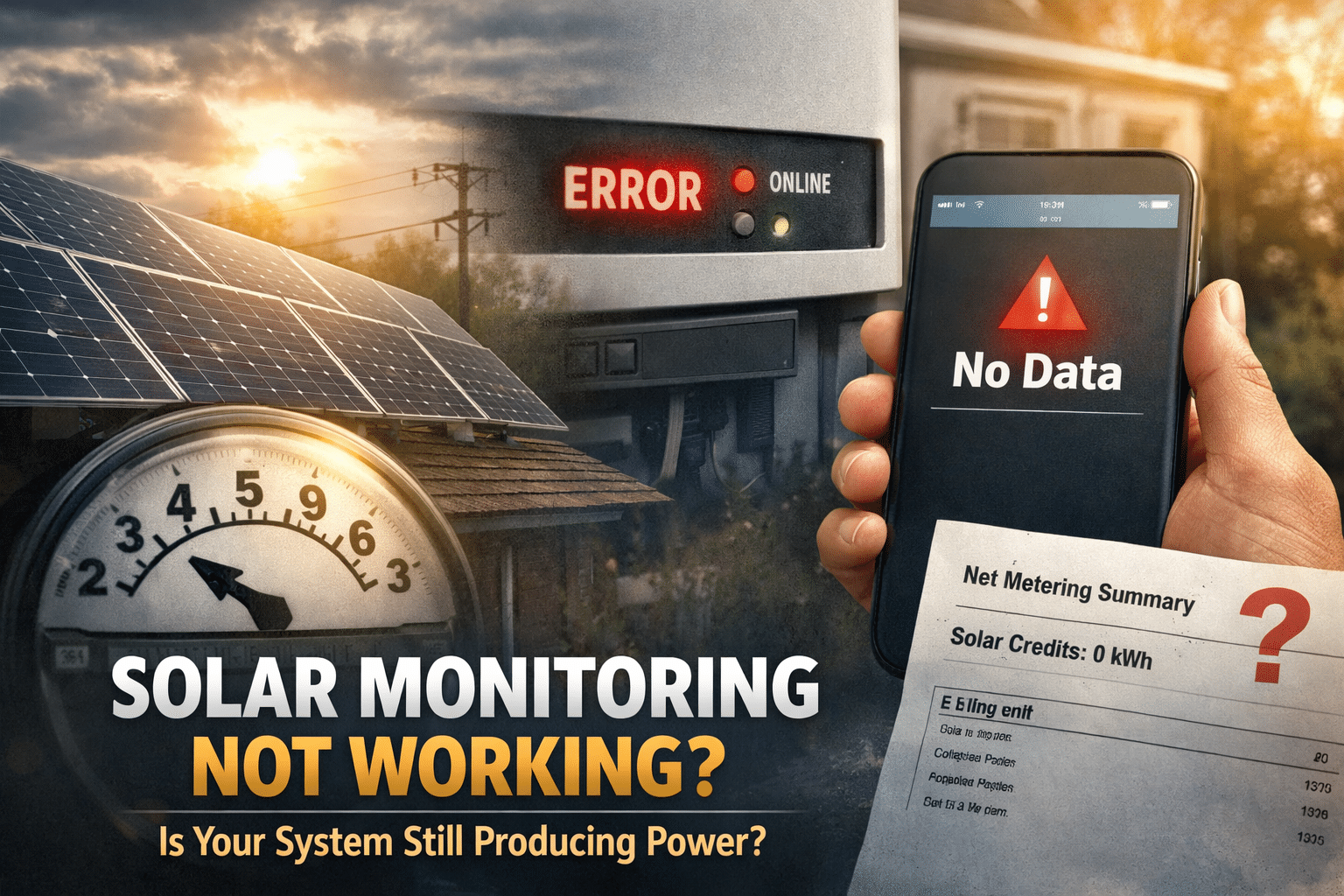
Why Solar Monitoring Stops Working
Most monitoring failures trace back to three causes.
1. It Was Never Fully Set Up
Monitoring setup is often treated as the final step of installation — and sometimes it never gets completed properly.
This is especially common when:
- You purchased a home with solar already installed
- Login credentials were sent to the previous homeowner
- The installer completed hardware installation but skipped commissioning
- Customer onboarding was rushed or never followed through
In these situations, nothing is broken. The monitoring account simply wasn’t activated under your name.
2. Your Installer Went Out of Business
Installer closures, bankruptcies, and acquisitions have become increasingly common in residential solar. When a company shuts down or changes hands, monitoring access can get caught in the transition.
Platforms may be sold or transferred to a new operator. Access may shift to a paid subscription. And if notification emails were missed or filtered as spam, monitoring may appear broken when it has simply been reassigned.
For example, some homeowners who originally had monitoring through SunPower later received notices that access would transition to SunStrong, sometimes requiring a monthly fee to maintain the same level of visibility.
In those cases, the system isn’t offline — the account status changed.
3. Internet or Communication Issues
Solar monitoring depends entirely on your inverter’s ability to communicate with the cloud. Any disruption to that connection will take monitoring offline — even if your system is generating power normally.
Common culprits include:
- Router replacement
- Wi-Fi password change
- ISP switch
- Disabled or expired cellular communication module
If the inverter can’t reach the internet, the app goes dark.
No Monitoring Does Not Mean No Production
Before assuming something is wrong with your system, pause. A monitoring outage is not the same as a production outage.
Use the steps below to confirm whether your system is actually generating electricity — no app required.
How to Confirm Your System Is Producing
1. Check Your Utility Bill
Your utility bill is one of the most reliable indicators of solar production.
Look for:
- A net metering section
- Line items labeled “Solar,” “Net Generation,” or “Exported Energy”
- Reduced daytime grid consumption compared to previous months
If you’re seeing credits or lower-than-expected charges during sunny months, your system is almost certainly working.
2. Call Your Utility Company
If you recently purchased a home with solar — or you’re unsure whether net metering is active — call your utility directly.
Ask:
- Is this property enrolled in a net metering or interconnection agreement?
- When was solar first connected?
- Is the system currently exporting energy to the grid?
Utilities track production at the property level, not the homeowner level. A quick call can often confirm whether your system is running.
3. Check the Inverter Status Lights
Most inverters communicate system status through a simple indicator light:
- Green / Solid — Operating normally
- Blinking or Yellow — Likely a communication issue
- Red or No Light — Possible system fault
If the inverter shows green, your system is very likely producing. A blinking or yellow light usually points to connectivity — not hardware failure.
4. Watch the Net Meter
If you have a traditional utility meter, you can run a simple daylight test:
- Turn off as many home loads as possible
- Do this during full sun
- Watch the meter
If it slows significantly — or spins backward on older analog meters — your system is producing and pushing energy to the grid.
Try This First: Safely Power Cycle the System
Before calling anyone, try a simple reset. Many monitoring failures are minor communication glitches that a power cycle can clear.
‚ö†Ô∏è If you’re unsure about any step, stop and contact a qualified solar professional.
How to Power Cycle
- Turn off the AC disconnect (typically near the inverter or main electrical panel)
- Turn off the DC disconnect (on or near the inverter)
- Wait 3—5 minutes
- Turn the DC disconnect back on
- Turn the AC disconnect back on
Allow 10—15 minutes for the inverter to reconnect and for monitoring to resume. This resolves a surprising number of issues.
What If Monitoring Can’t Be Restored?
If your original monitoring platform has been discontinued, locked behind a subscription, or is no longer accessible, you still have options.
Install Third-Party Monitoring
Independent monitoring solutions like eGauge Systems can restore visibility into solar production and home energy consumption — independent of your original installer or manufacturer.
What you gain:
- Real-time production data
- Home consumption tracking
- Long-term performance history
What to consider:
- Upfront hardware and installation costs
- May not offer panel-level granularity like some OEM platforms
If understanding performance matters — or you’re preparing to sell the home — third-party monitoring can be worthwhile.
When to Call a Solar Professional
Contact a qualified solar service provider if:
- Your inverter is displaying a fault code or error message
- There’s no sign of production through any of the checks above
- You suspect a wiring, hardware, or equipment issue
- You want professional help restoring or replacing monitoring
Look for service-focused solar companies rather than sales-driven installers. Not every company supports systems they didn’t install.